Use this page to learn how to view the response to a discussion post.
- From the Buzz homepage, click Activity Stream.

- Find response post from the educator.

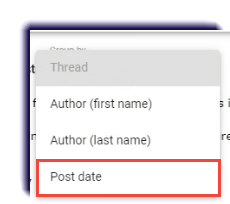
- Select Post Date under the Group by dropdown.
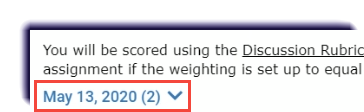
- Select the date.
- Read the educator's post.

- Click the Reply icon
 .
.
- Write a response.

- Click Post.