Use this page to learn how to create a report on enrollments that have a particular Actual Grade.
- Click Schools.

Note
For specific students, click Mentors and then select Mentor's name. Jump to step three.
- Click the school name.

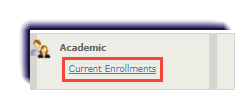
- Click Current Enrollments.
Note
Students with at least one enrollment will appear.
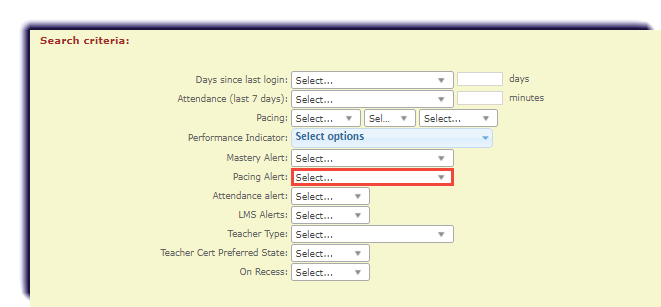
- Select the desired Pacing option from the dropdown.
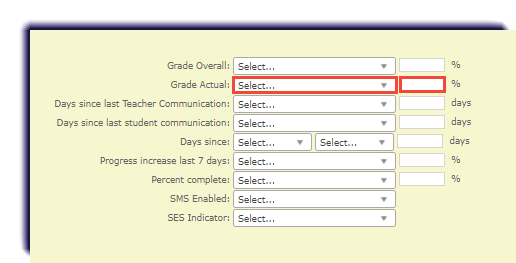
- Select the desired Actual Grade option from the dropdown and insert a corresponding percentage.
- Click Get Data.
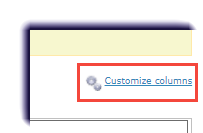
- Click Customize Columns.
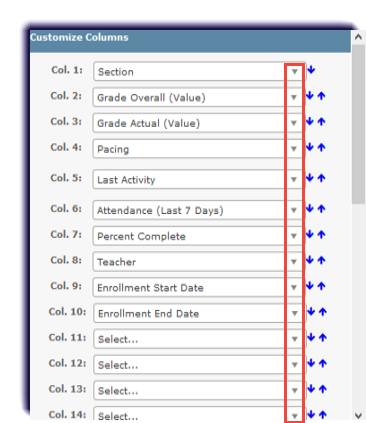
- Adjust the dropdown menus as desired.
- Click Save.

- Sort results by clicking the header name, if desired.

- Click Export Results to Excel.
