Use this page to learn how to enroll multiple students in a course.
- Click Students.

- Click Bulk Actions.

- Filter to find the student and click Get Data.

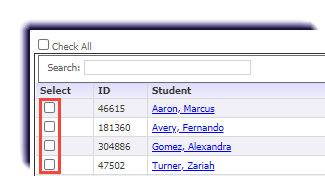
- Checkmark the students.
- Click Bulk Enroll in Course.

- Select the term and course. Enter the start, end, and activation dates.
- Click Enroll.
- A banner displays confirming the enrollment was successful.