Send students and guardians an email on the success a student is having in a class based on their grade. Grade metrics options are overall and active grades.
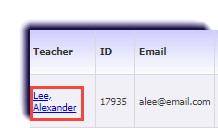
- Click Teachers.

- Select your name.
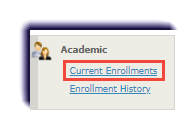
- Click Current Enrollments.
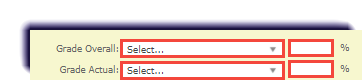
- Select More than for the grade metric used by the school. Then enter 69 into the percentage.
- Click Get Data.
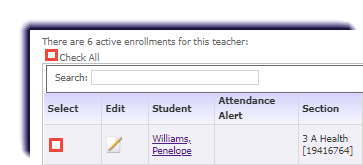
- Check the box of each student to receive the email.
- Click Bulk Email.

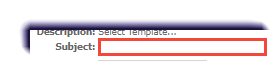
- Enter a Subject.
- Check Copy Guardian.

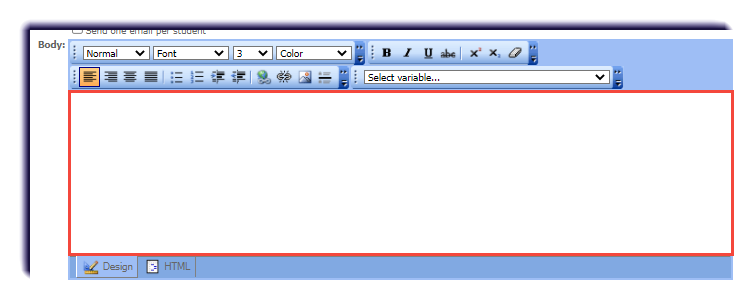
- Enter a message in the Body.
Note
An example email is:
Dear [STUDENT_FIRST_NAME],
I hope you are having a great day. I just wanted to send you a quick note congratulating you on your hard work in [COURSE_NAME]. I noticed that you have a [GRADE_ACTUAL]% in the class. Nice job! I know this takes a lot of time and learning.
Please feel free to let reach out to me if you have any questions.
Warmly,
[SIGNATURE]
- Click Update Sample, to see what the email will look like.
- Click Send.
