The purpose of sending an email to students and guardians is to encourage students to keep up the hard work and finish well.
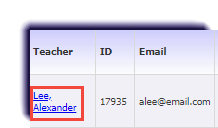
- Click Teachers.

- Select your name.
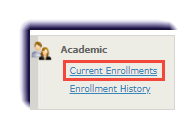
- Click Current Enrollments.
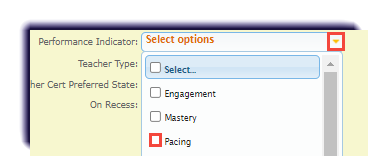
- Next to Performance Indicator, check Pacing.
- In the dropdowns next to Attendance (last 7 days), select More than and 300. This will show students who are more than 10% behind and have down 300 or more minutes in the course in the last week.

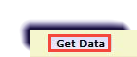
- Click Get Data.
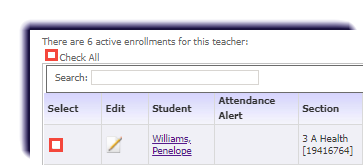
- Check the box of each student to receive the email.
- Click Bulk Email.

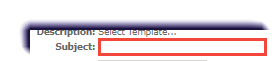
- Enter a Subject.
- Check Copy Guardian.

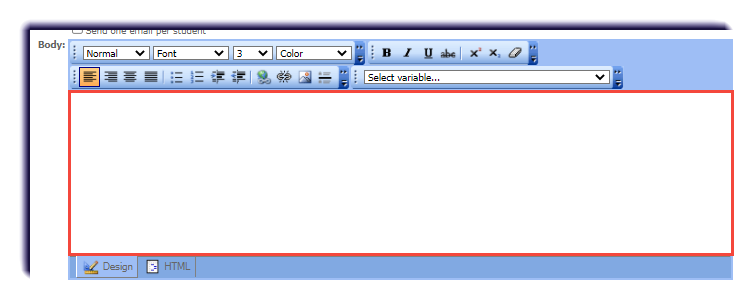
- Enter a message in the Body.
Note
An example email is:
Dear [STUDENT_FIRST_NAME],
I hope you are having a great day. I just wanted to let you know that I see your hard work in [COURSE_NAME] to catch up. I can't believe you have done at least [ATTENDANCE_LAST_7_DAYS] minutes this week! I am so proud of you. If you keep this up the rest of semester, I know you will complete the course!
Please feel free to let reach out to me if you have any questions.
Warmly,
[SIGNATURE]
- Click Update Sample, to see what the email will look like.
- Click Send.
